Holidays Tier List
Drag 16 holidays from S to F. Free, no sign-up, and it works on your phone.
Unranked
Drag a card into a tier. On a phone, tap a card, then tap a tier.
What’s on this board
From Christmas to Halloween to your birthday. Which days of the year actually deliver?
Missing one? Type it into the box under the board and press Enter. You can also drop your own pictures onto the page; they stay in your browser.
- Christmas
- Halloween
- Thanksgiving
- New Year’s Eve
- Easter
- Valentine’s Day
- Your birthday
- Fourth of July
- St Patrick’s Day
- Diwali
- Lunar New Year
- Eid
- Hanukkah
- April Fools’ Day
- Mother’s Day
- Black Friday
Three ways to rank it
- The food.
- The build-up compared with the day itself.
- Days off work or school.
Pick one before you start and put it in the title, for example “Holidays, ranked on taste”. More tips in how to make a tier list.
Blind ranking
The ranking game from TikTok. Cards arrive one at a time and you never see what comes next.
Play blind rankingFirst a card lands face down.

Then it flips. No peeking ahead.

You pick its tier. No take-backs.










Then you post the damage.
More templates
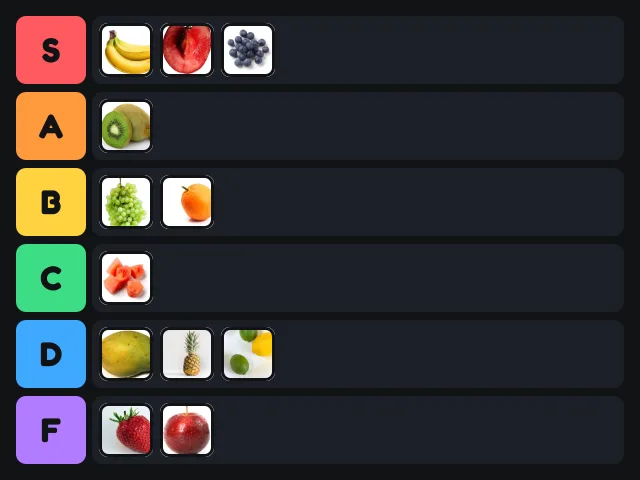
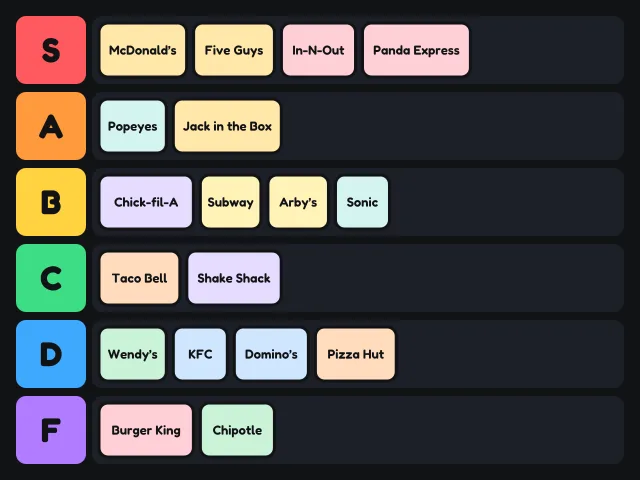
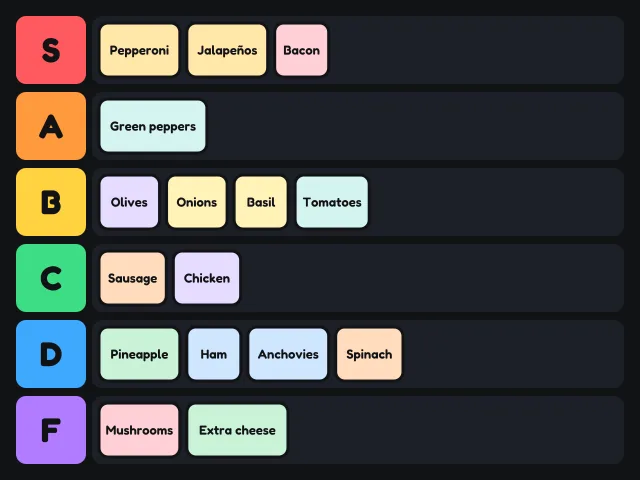
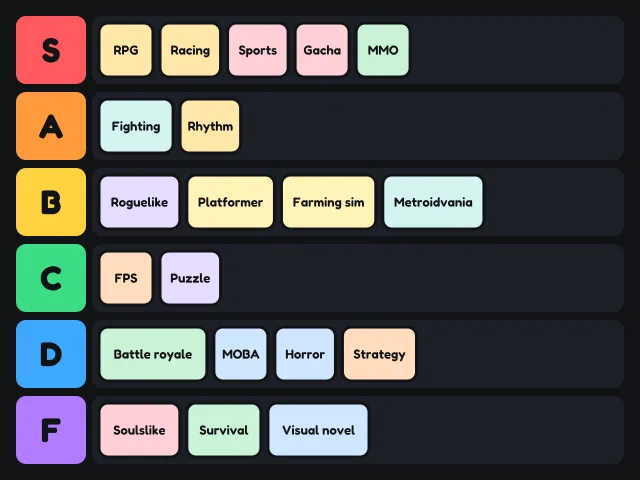
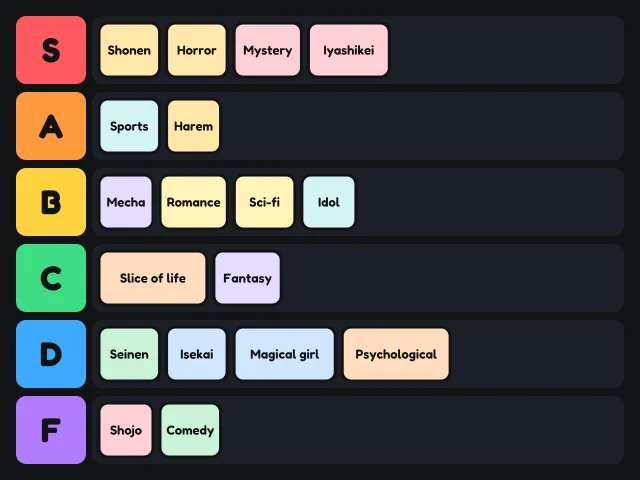
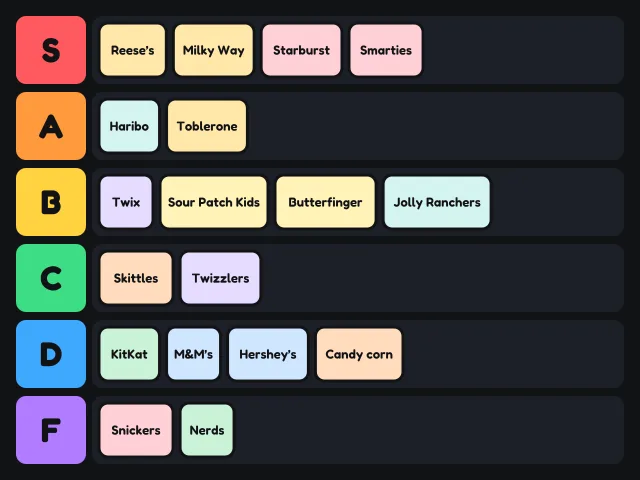
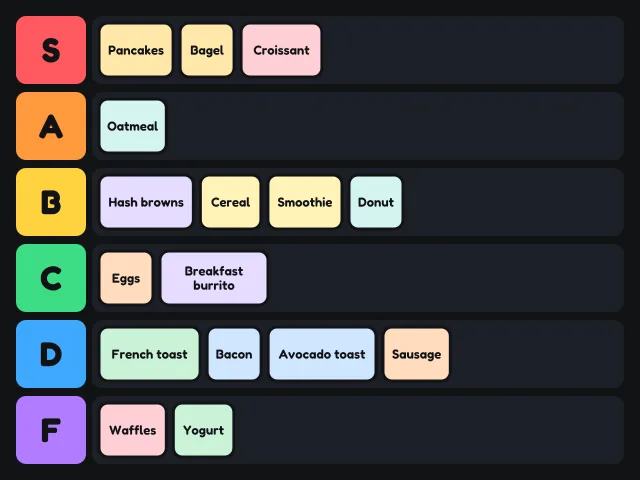
Same board, different fight.
Questions
How do I make a holidays tier list?
The 16 cards are already in the Unranked row. Drag each one into a tier, or tap a card and then tap a tier on a phone. Add your own with the text box or Add pictures.
How do I share my tier list?
Press Save PNG for an image you can post anywhere, or Copy link to send the board itself. Links carry text cards and template pictures; your own pictures stay on your device.
Does it work on a phone?
Yes. Drag with your thumb, or tap a card and then tap the tier you want.
What is blind ranking?
A game where cards arrive one at a time, face down. You place each one before you see the next, and you cannot move it later.